Plan your rack
How to choose a 10-inch rack mount for a mini PC or switch
Match your exact device, check rack height and cable clearance, and choose keystone or JetKVM options for a compact homelab rack.
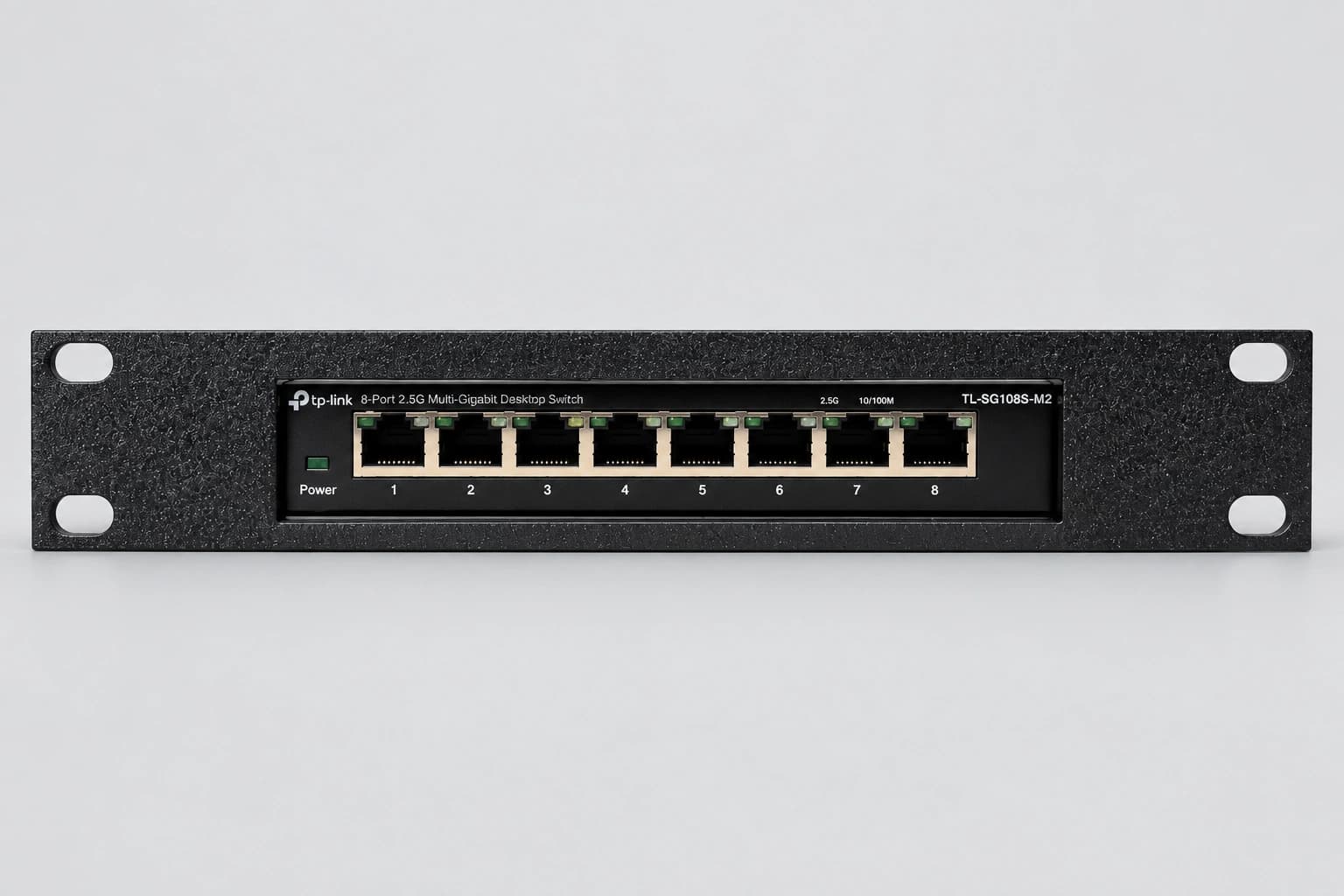
Start with the label on your device.
A fitted mount follows a particular enclosure. “Tiny,” “Micro” and “8-port switch” are useful categories, but they are not fit specifications. Find the full model and generation, then compare the product’s fit notes and installed photos.
Our pages distinguish devices shown fitted from expected fits based on matching published dimensions. An expected fit is not a separate physical test.
Check these four things before ordering.
- Rack width and mounting positions. These mounts are for compact 10-inch equipment racks, not standard 19-inch rail spacing. Compare your rack’s mounting positions with the product drawing or dimensions.
- Mount height. Rack width does not determine rack height. For example, our regular DGX Spark mount is 57.15 mm / 2.25 inches tall and exceeds a 1U opening. Plan around the complete mount, not just the computer.
- Connected depth. Check the tray, device, plugs and cable bends against the usable space inside the rack. Leave room to reach latches, switches and power connectors.
- Feet, attachments and airflow. A stand, VESA bracket, antenna or different front bezel can change fit. Follow the product’s seating instructions, keep intake and exhaust clear, and support power bricks and cable bundles separately.
Keystones: choose the cable position.
On the Dell, HP, Lenovo and TP-Link mounts linked below, left and right mean as viewed from the front of the rack.
| Option | Front-panel layout | Choose it when… |
|---|---|---|
| None | No keystone openings | You want a plain faceplate or already use a separate patch panel. |
| Left | One opening on the left | Your extra cable connection belongs on the left side. |
| Right | One opening on the right | Your extra cable connection belongs on the right side. |
| Both | One opening on each side | You want two front-panel connection positions. |
The openings hold your own compatible keystone jacks or couplers; they do not add network ports to the device. Jacks, couplers and cables are not included. Check space behind the selected jack and access to its release tab.
JetKVM: choose the holder for your setup.
A keystone opening and a JetKVM holder serve different purposes. A keystone provides a place for a cable coupler; a JetKVM mount holds the separate remote-access device.
For a DGX Spark setup, choose the DGX Spark + JetKVM mount when you need both devices in one assembly, or the regular DGX mount when you only need the computer cradle. Computers and JetKVM devices are not included.
Find your device.
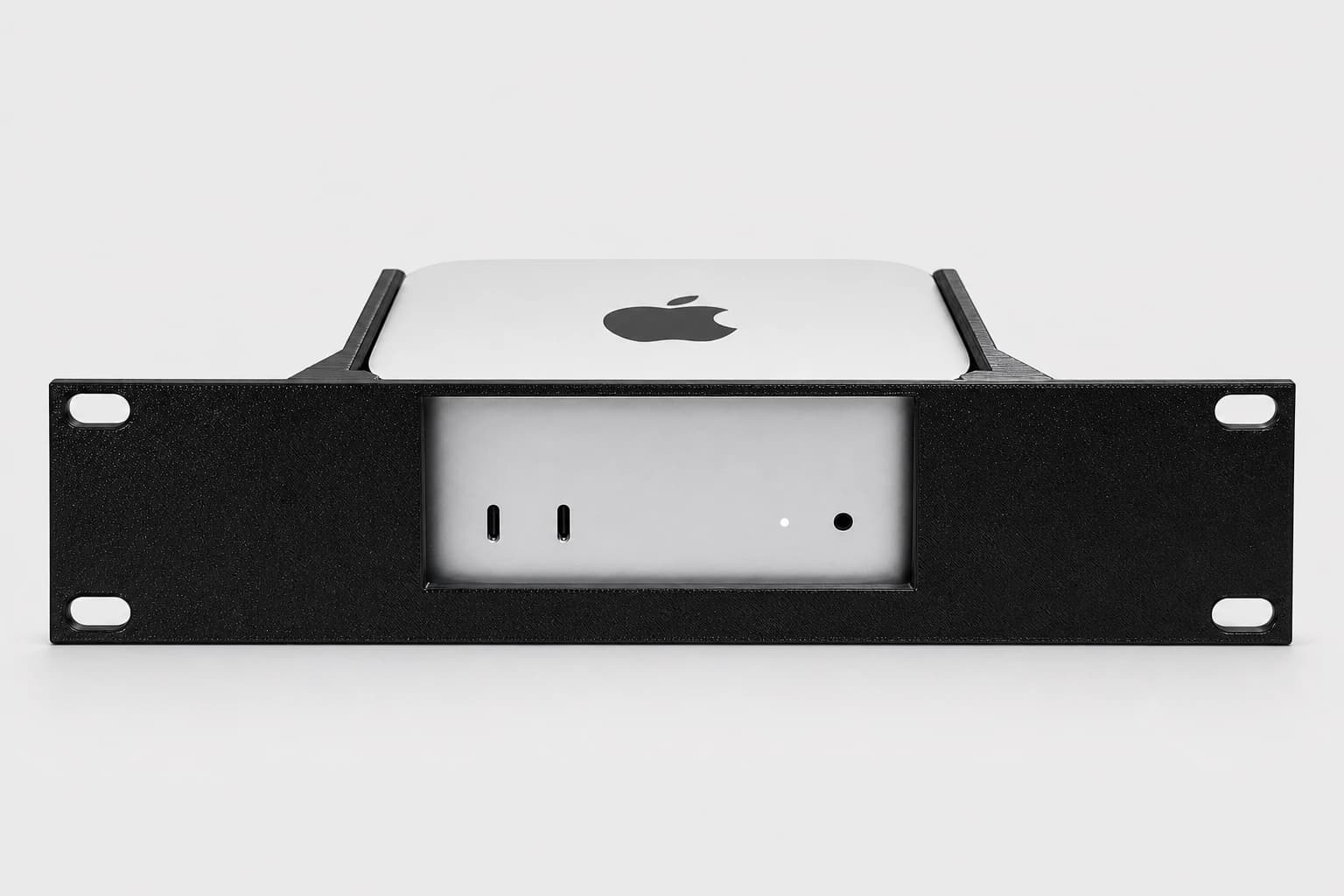
Mac mini M4 / M4 Pro
Choose this cradle for the smaller 2024 Mac mini enclosure. It leaves the front connections and circular underside opening accessible. The older M1 and M2 enclosures are different: an M4 mount is not an M2 mount. Check the full mount height and connected depth before planning adjacent equipment.
$27.99 mount only
See fit, options and purchase details →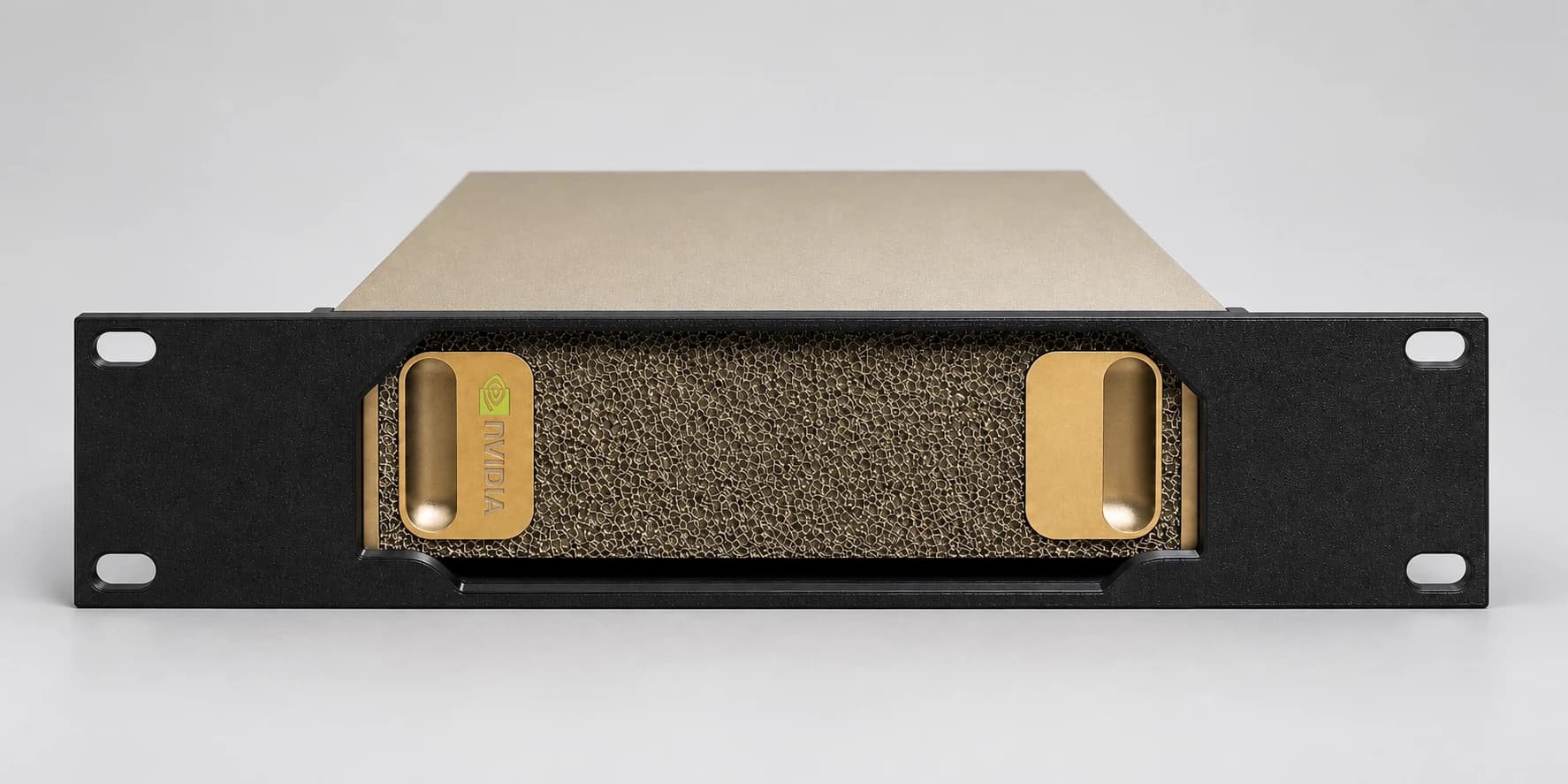
NVIDIA DGX Spark / Lenovo ThinkStation PGX
The regular DGX Spark mount has no JetKVM holder. PGX fit is expected from matching published computer dimensions and a customer report for our combined DGX + JetKVM mount; the regular mount has not been separately test-fitted with a PGX. The regular mount is 57.15 mm tall, so it needs more than a 1U opening.
$27.99 mount only
See fit, options and purchase details →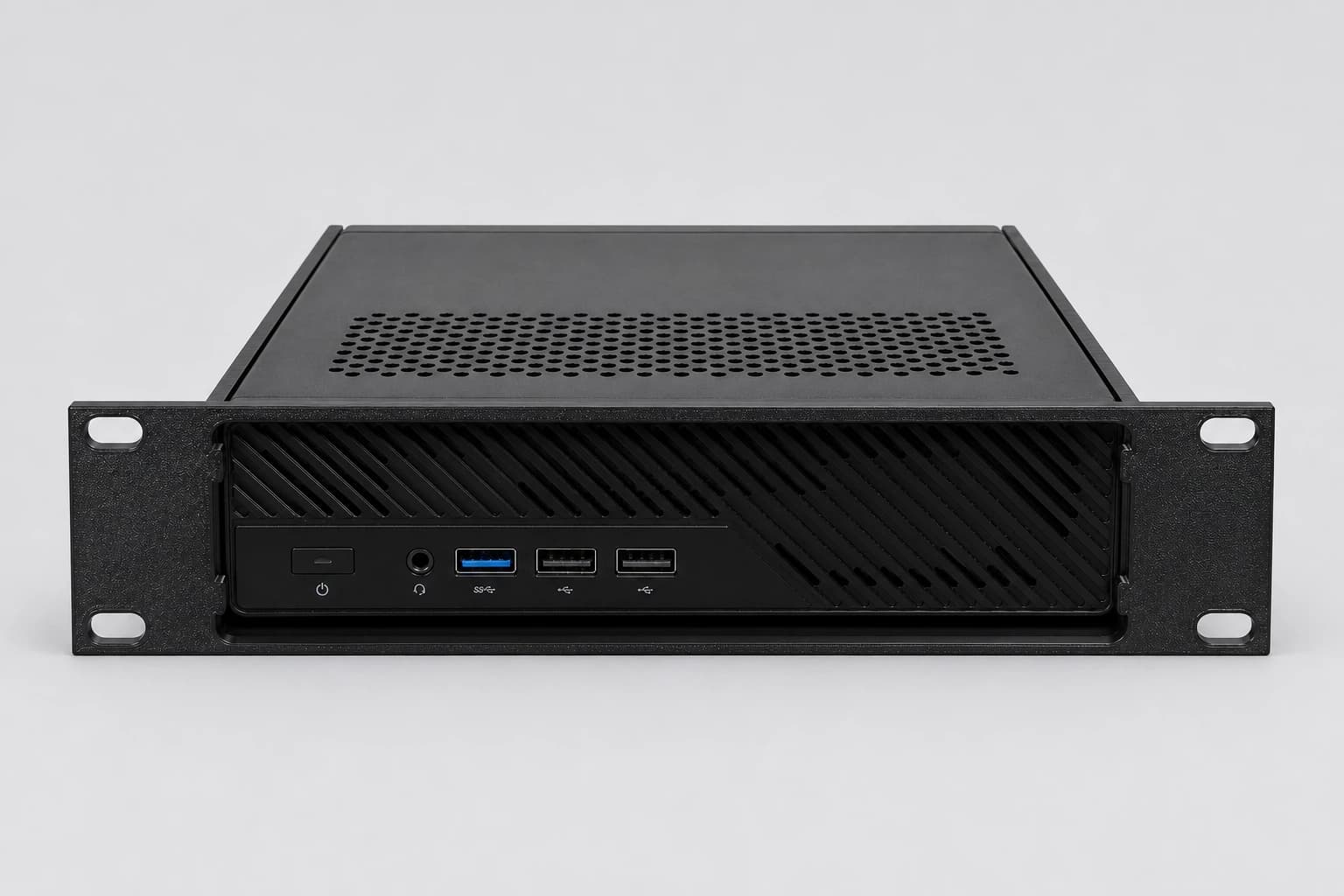
MINISFORUM MS-01 / MS-A2 / MS-R1
This fitted tray is listed for MS-01, MS-A2 and MS-R1 workstations, with the MS-01 shown in our assembled rack. Rubber feet may need removal. Leave rear cable space and check rack height as well as the 10-inch width.
$27.99 mount only
See fit, options and purchase details →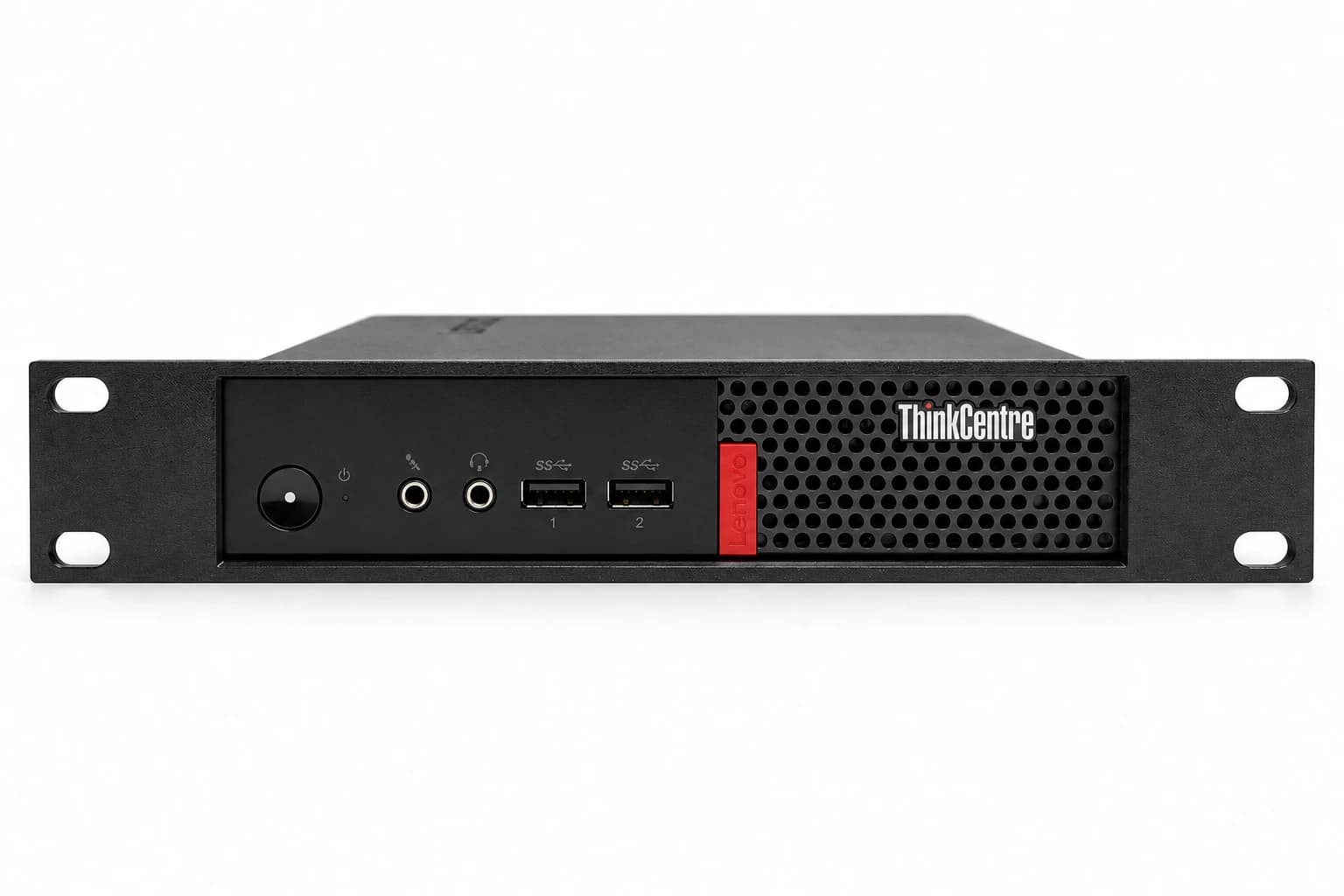
Lenovo ThinkCentre Tiny
M710q is shown fitted. The listed M715q, M720q, M910q and M920q models are expected fits for the matching bare chassis; M70q depends on generation. Check the product’s fit notes, including whether feet need removal. Choose None, Left, Right or Both keystone positions.
$27.99 mount only
See fit, options and purchase details →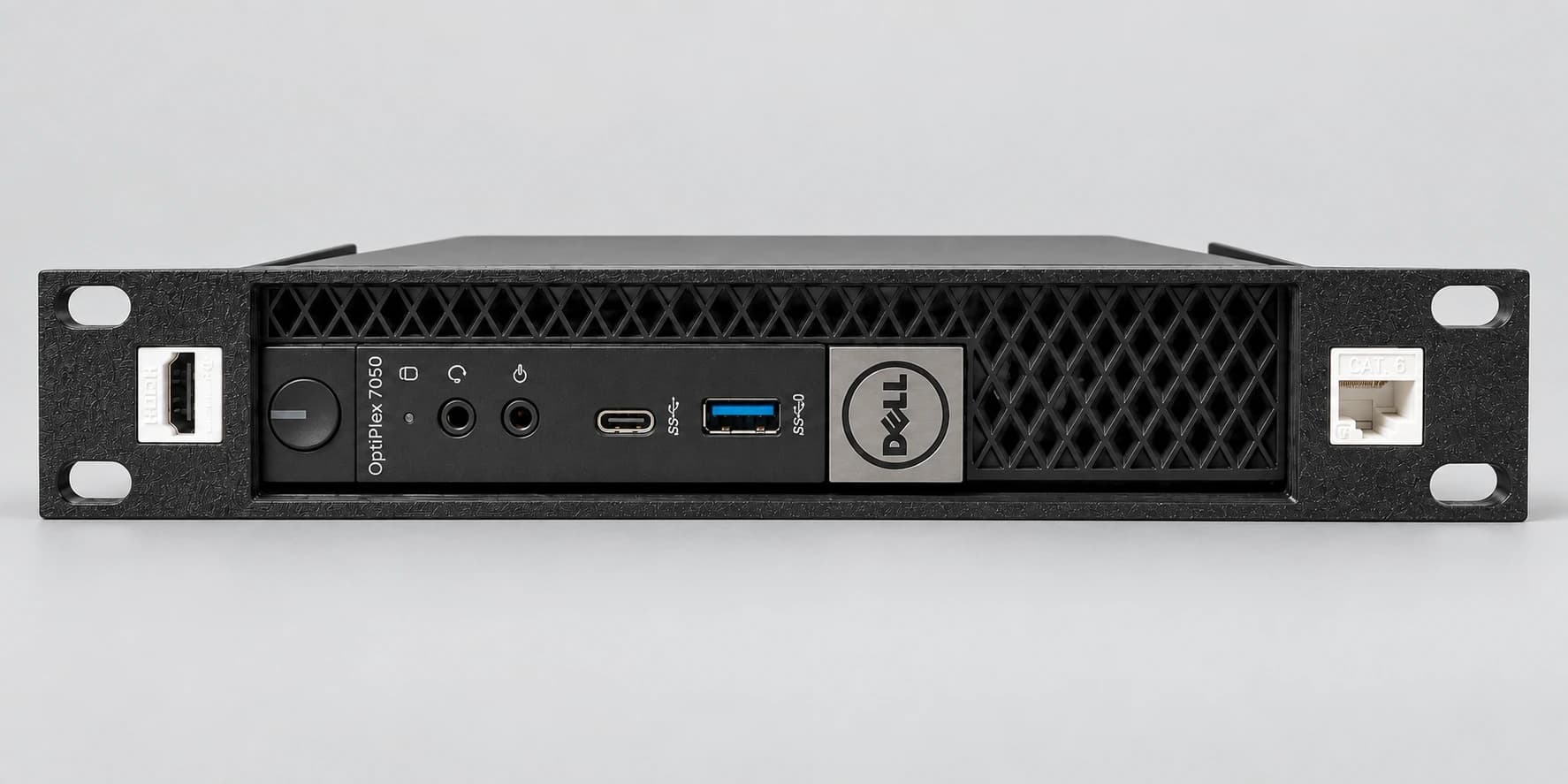
Dell OptiPlex Micro
The photos show an OptiPlex 7050 Micro. Exact 3000 Micro, 5000 Micro and 7000 Micro models with the listed matching chassis are expected fits, not individually test-fitted devices. SFF and tower models need a different solution. Four keystone-placement options are available.
$27.99 mount only
See fit, options and purchase details →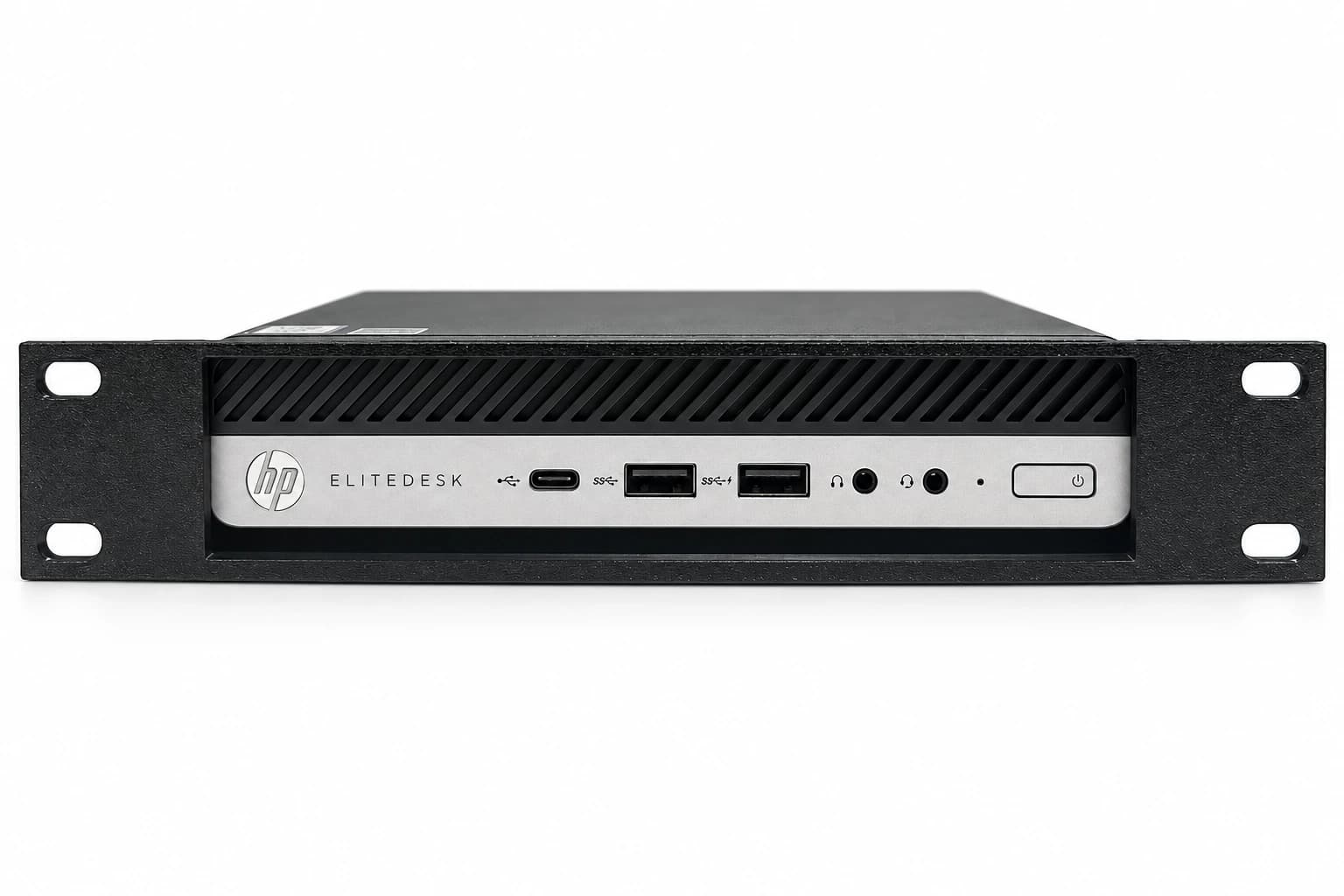
HP EliteDesk Desktop Mini
The EliteDesk 800 G4 Desktop Mini is shown fitted. G3 and G5 Desktop Mini versions with matching chassis dimensions are expected fits; check the case, feet, front bezel and rear antenna. This is not an SFF or tower mount. Choose None, Left, Right or Both keystone positions.
$27.99 mount only
See fit, options and purchase details →TP-Link TL-SG108S-M2
Match the full TL-SG108S-M2 model name and 158 × 101 × 25.4 mm switch enclosure. Similar SG108 names do not establish compatibility. This 1U cradle offers None, Left, Right or Both keystone positions, with Ethernet ports facing forward.
$27.99 mount only
See fit, options and purchase details →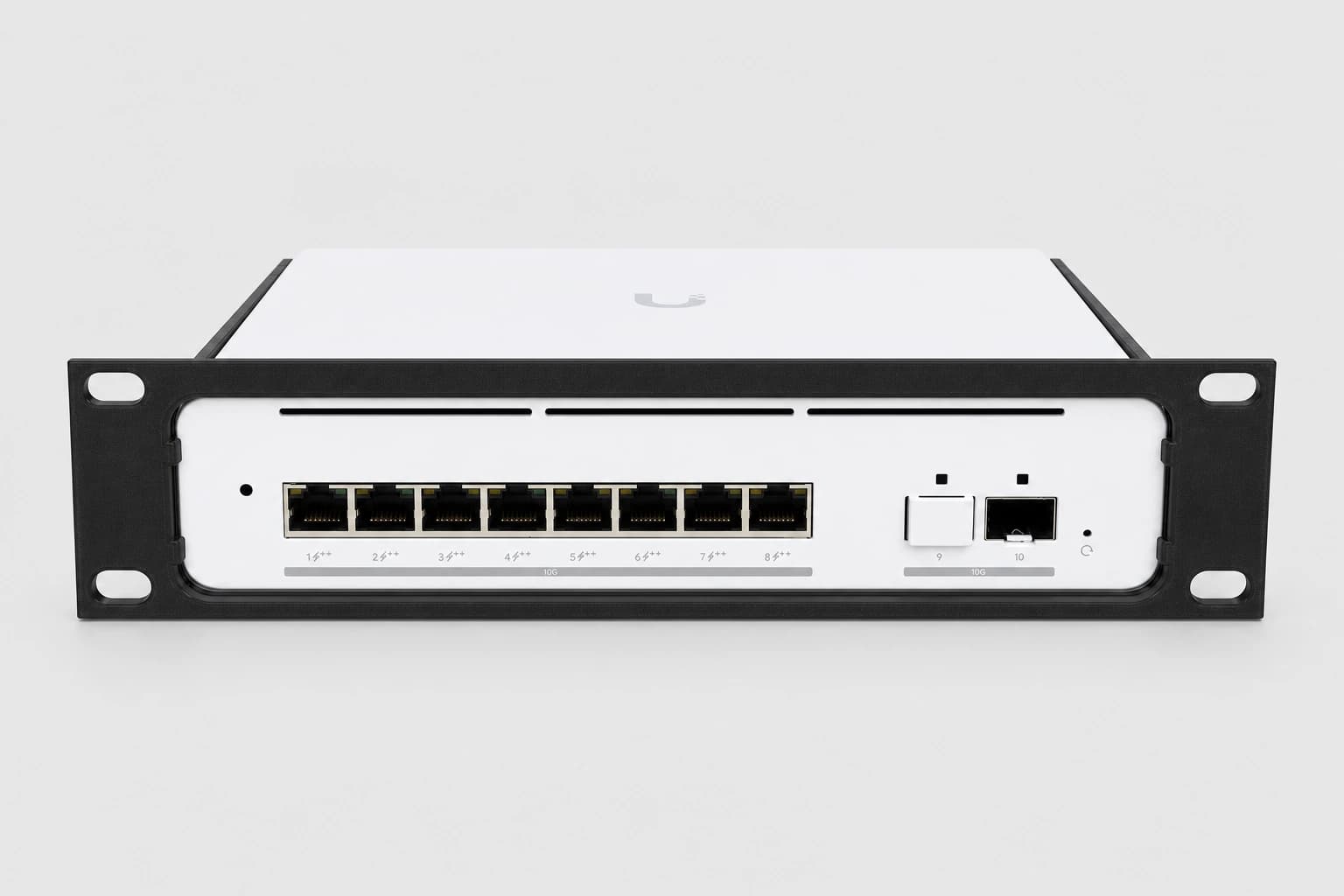
UniFi Pro XG 8 PoE
Choose this mount for USW-Pro-XG-8-PoE. The Lite 8 PoE and Switch 8 60W use different mounts. Keep all front ports accessible and check the mount’s complete height and depth; the number of switch ports does not tell you how much rack space it needs.
$27.99 mount only
See fit, options and purchase details →Prices above are for the mounts. Product pages show current options and link to Etsy, where final availability, shipping, tax and delivery details are provided.
Plan the rest of the rack.
See our assembled rack for a real example with networking, remote access and compact computers. If storage is next, compare our bare-drive shelves and four-caddy holder.